02DashboardsSystem
Academy Portals
Student and teacher portals · Targo Academy
The dashboards Targo Academy's students and teachers open every day: one portal per role, on the same live data as the rest of the academy.
Visit Targo Academy The portals open with a student or staff login.
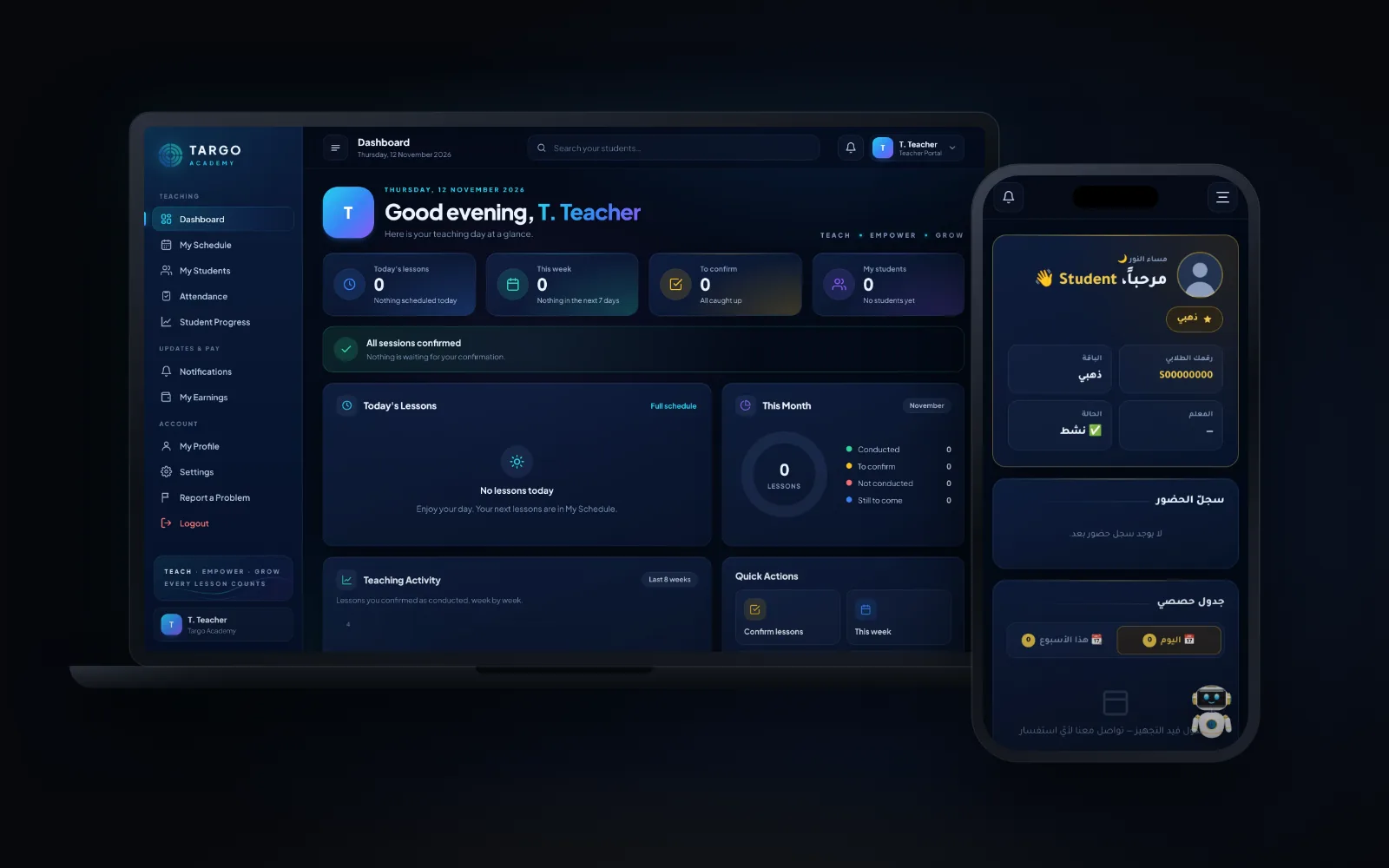
Inside Targo Academy every role has its own portal. Students follow their package, attendance and timetable in Arabic, on their phone. Teachers see their day, their students and the sessions waiting for confirmation. Both read from the same live data as the academy's CRM, HR and finance, so nothing is typed twice.
- Type
- Dashboards
- Users
- Students, teachers, staff
- Language
- Arabic and English
- Status
- Live
What is inside
Student portal
Built for the phone, in Arabic and right to left: the student's package, status, teacher, attendance record and timetable for today and the week.
Teacher portal
Today's lessons, the week ahead, sessions waiting for confirmation and the teacher's students, at a glance.
Session confirmation
Teachers confirm each lesson as conducted. The month's picture of conducted, unconfirmed, not conducted and upcoming lessons follows from it.
Teaching activity
A week-by-week chart of the lessons each teacher confirmed as conducted.
Everything in one menu
Schedule, students, attendance, student progress, notifications and earnings, each one click away.
Help close by
Notifications on both portals, and the academy's robot assistant on hand in the student portal.
One login, one view per role
Each person sees exactly their own work: a student sees only their own lessons, a teacher only their own students and sessions. The pictures here come from demonstration accounts, so no real student or teacher appears in them.


Visit Targo Academy The portals open with a student or staff login.